Monitor
The Monitor perspective is mission control while a study is collecting data. It shows sessions as they arrive, summarizes completion and quality, and lets you drill into any single session.
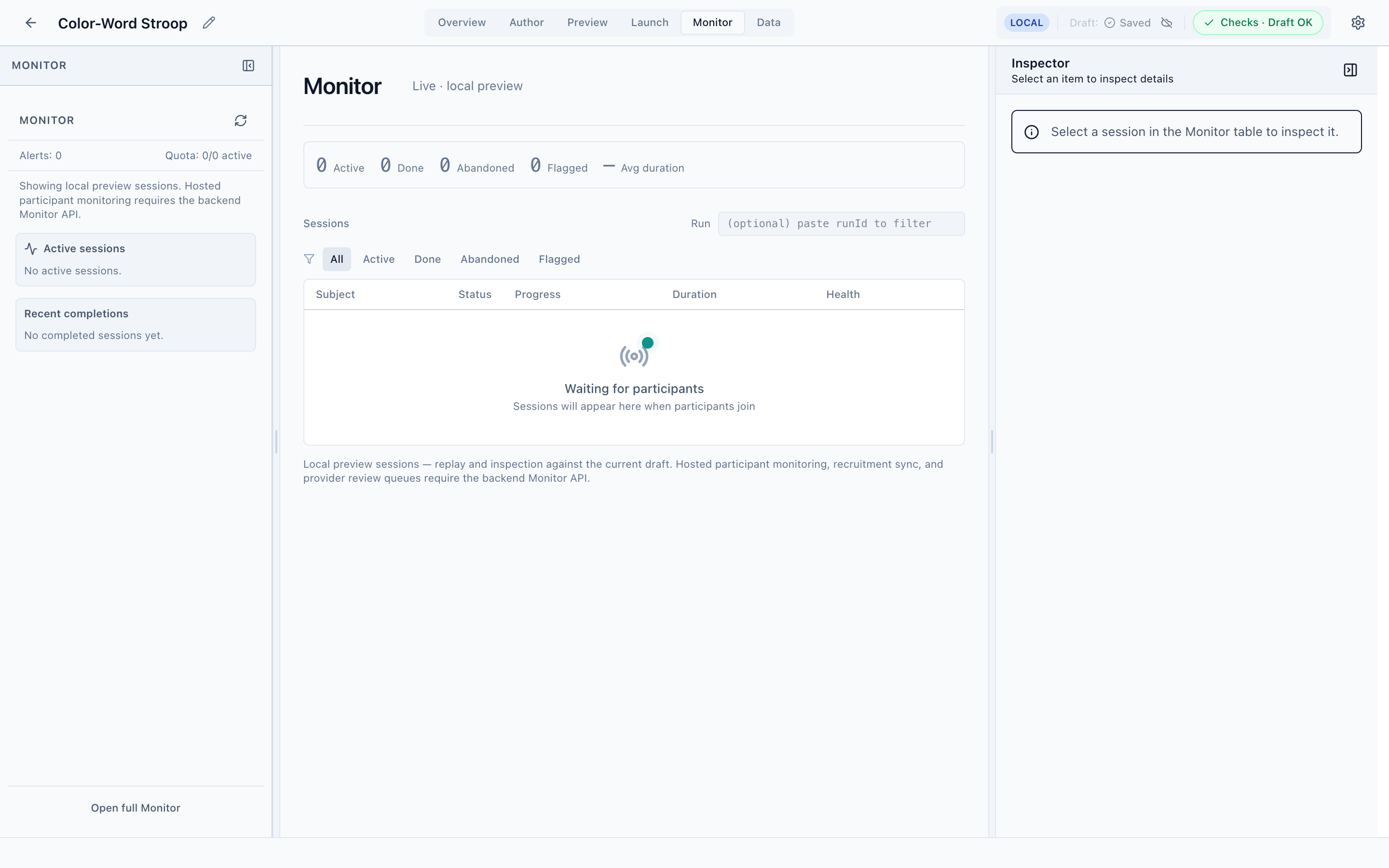
The sessions table
The center workbench lists sessions, one per participant, filterable by status with the All / Active / Done / Abandoned / Flagged tabs. Each row shows:
- Subject — the participant identifier
- Status — in progress, done, abandoned, or flagged
- Progress — how far through the study they are
- Duration — elapsed time
- Health — a data-quality indicator
A Run filter lets you scope to a specific run by id.
Funnel and alerts
Across the top, summary stats give you the recruitment funnel at a glance — Active, Done, Abandoned, Flagged, and average duration. The left navigator surfaces Alerts and a Quota counter, plus Active sessions and Recent completions lists.
Inspecting a session
Select a session to load it in the Inspector, where you can review its progress, timing, and quality, and step through what the participant experienced. (Selecting a session in the table is required before the Inspector shows detail.)
Local vs. hosted
In local mode, Monitor shows only local preview sessions — the ones produced by Preview. Monitoring real, hosted participants (and recruitment sync and provider review queues) requires the PsyCloud backend Monitor API. The empty state and footer note make this explicit.
Next
Inspect coverage and quality, and export your collected data.