Data
The Data perspective is where you turn collected sessions into datasets you can analyze. You select a run, inspect its data and quality, and export.
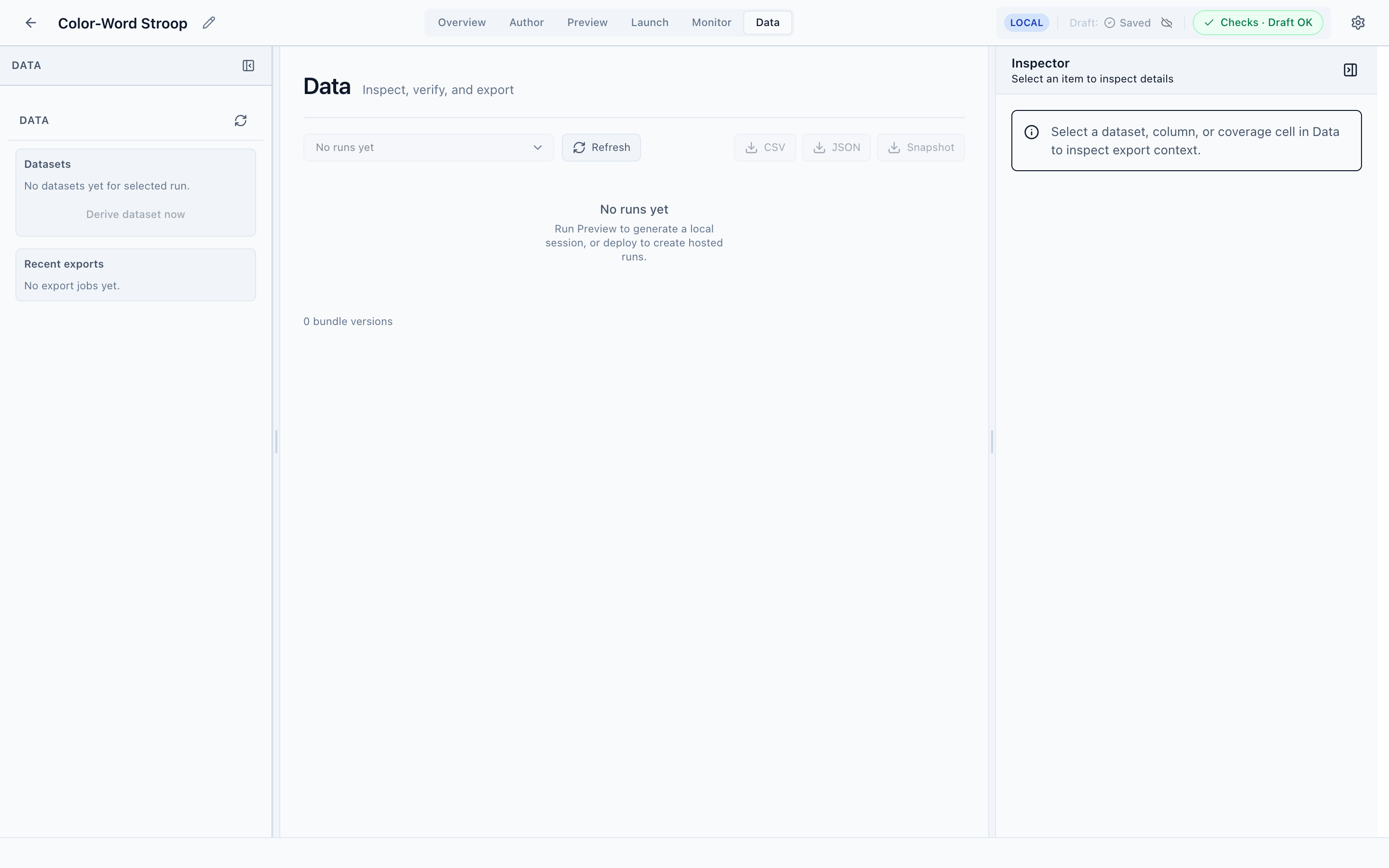
Select a run, then export
Pick a run from the Select run dropdown to load its datasets. The left navigator lists Datasets and Recent exports, with Derive dataset now to build one on demand. Export in three formats from the toolbar:
- CSV — the most common analysis format.
- JSON — structured export for programmatic use.
- Snapshot — a point-in-time capture of the run.
The Inspector shows export context for the selected dataset, column, or coverage cell.
Coverage and quality
Beyond raw export, the Data perspective is built to help you verify data before you trust it — checking which conditions are well-sampled and surfacing quality issues — so you catch problems before analysis rather than after.
You need a run first
Until a run has collected sessions, Data shows No runs yet and the export buttons are disabled. Note that Preview's local sessions are for debugging and don't appear here as exportable datasets — Data works against hosted runs. Publish and host a run from Launch to start collecting exportable data.
Next
Load exported data into Python or R and analyze it.