Quickstart: Studio
Studio is the visual editor for PsyCloud. In a few minutes you can create a complete study from an example, run it in the live runtime, and understand the path to collecting real data. No code required.
Studio is organized into six perspectives along the top — Overview · Author · Preview · Launch · Monitor · Data. You move left to right as a study matures: build it, run it yourself, ship it, watch it, export it.
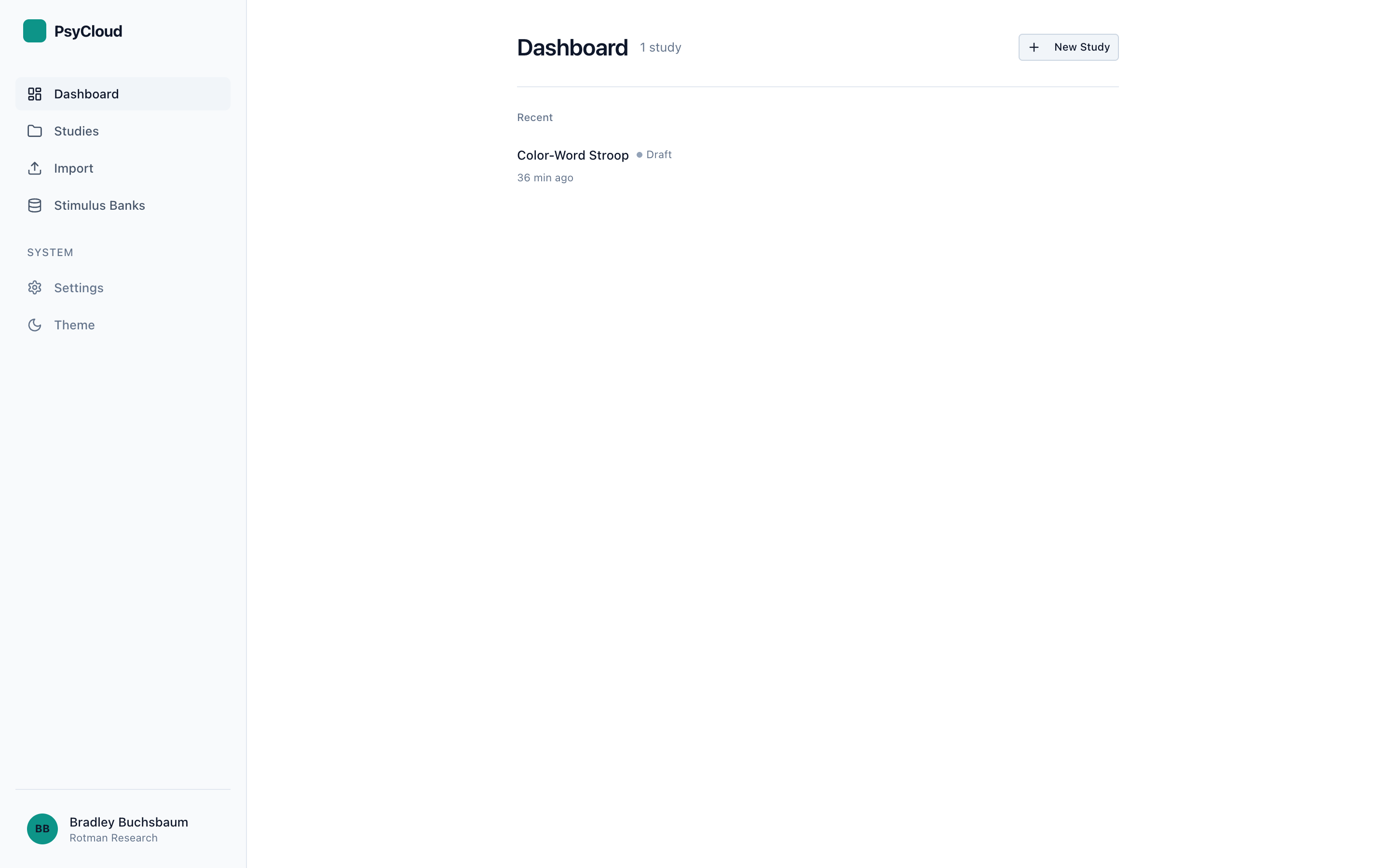
- Create a study from an example
From the dashboard, click New Study → Load from an example and pick Color-Word Stroop. Studio builds a complete study — phases, trial generation, screens, and bindings — and drops you into the Author perspective. (See Creating a Study for templates, imports, and starting from scratch.)
- Shape it in Author
Author unifies design and screens. Use the left Study Flow to add and reorder phases, then the per-phase tabs:
- Design — define factors and the trial Pipeline (Cross · Sample · Derive · Shuffle) that generates trial rows.
- Screen — lay out what participants see (Timeline · Canvas · Bindings) and bind trial data to components.
- Checks — the live validity report for the phase.
- Preview against the live runtime
Switch to Preview and run the study exactly as a participant would — same runtime, same timing. Preview is fully offline: no backend or account needed. Use it to catch flow, timing, asset, and response issues before anyone else sees the study.
- Launch to participants
Launch walks you through readiness checks, publishing a version, creating a run link, and recruiting (Prolific / MTurk / Sona). Publishing and hosted runs require a connected backend — see the note below.
- Monitor & export
Once a run is live, Monitor shows active and recent sessions and alerts, and Data lists datasets and lets you export them (CSV / JSON / snapshot).
Authoring and Preview work entirely offline. Publishing a version, hosted runs, recruitment, and data export require a connected backend. Without one, Launch's publish/run steps are locked, Monitor shows only your local preview sessions, and Data reports "No runs yet." This is by design — you can design and test a whole study before connecting anything.
Common gotchas
- A trial that never ends. Make sure every screen path has a response or a timeout, or the run will hang. The Checks tab flags this.
- Media permissions. Audio/video capture depends on the browser and on running over
https(orlocalhost). Test in Preview first. - Expression syntax. Derive steps use an expression language (
row.*,params.*, and helpers likenth,indexOf,length). There is no in-editor reference yet — see Experiment Design for the syntax.